
Compatibility
Minecraft: Java Edition
Platforms




Details
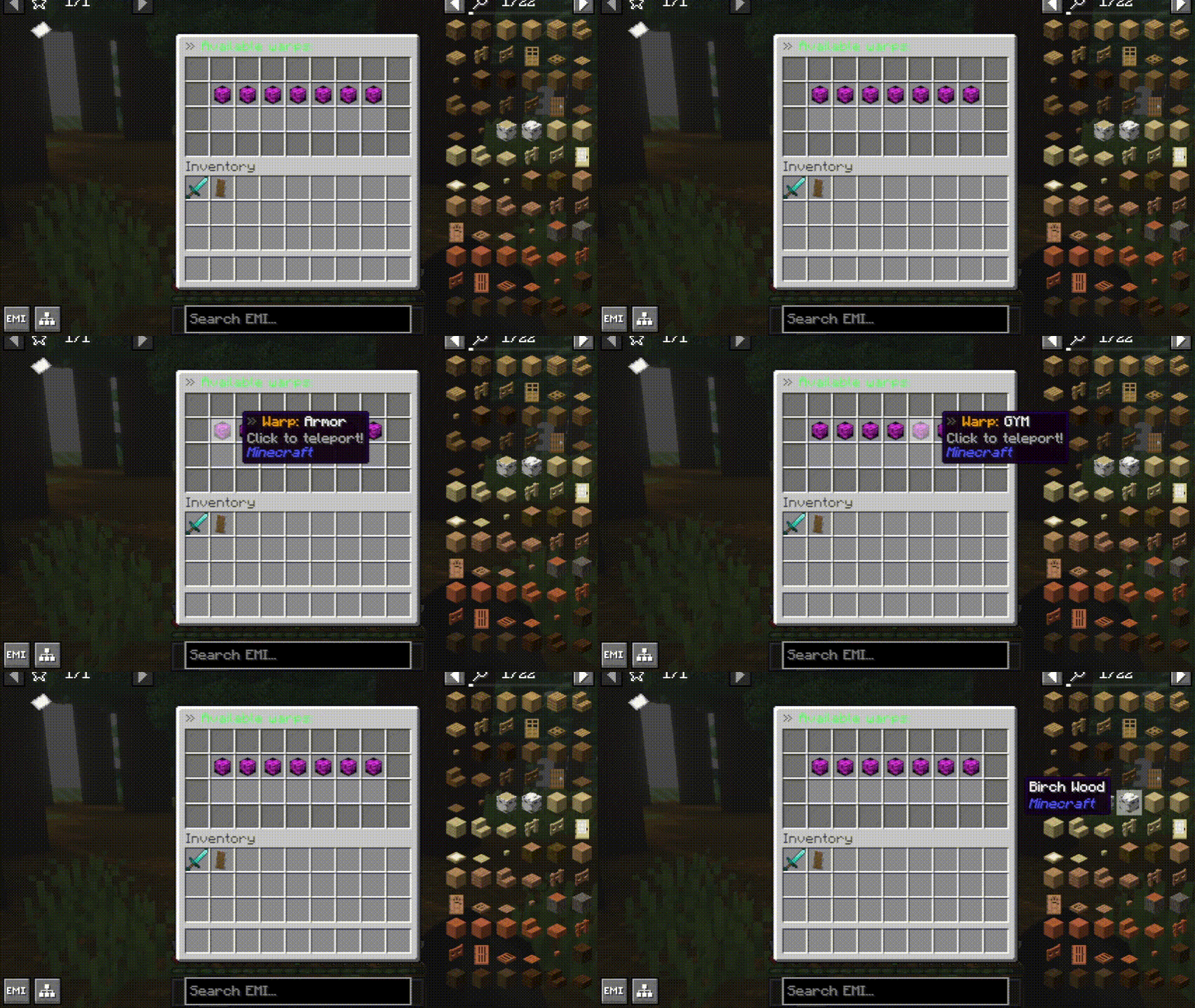
🥏 /warp - GUI
The /warp command opens a GUI that allows for easy warp selection, which makes it attractive for players.

👔 Sign editor
The /signedit command allows you to set custom formatted text in various lines/sides of signs. Supports MiniMessage!

🧿 Random teleport
The random teleport command allows for fast teleportation across the Minecraft world.

📡 Near
The /near command shows nearby entities of a given scope within a given radius. You can filter entities, whether they are hostile, passive, leashed, players, raider or living.

👥 Set server slots
With the /setslot command, you can set the number of server slots dynamically, without needing to restart the server.

📲 Demo screen command
With the /demoscreen <player> command, you can show a player the Demo Screen overlay.

❄️ Freeze
The /freeze command allows you to add the freezing effect to players, causing damage.

📦 Containers
EternalCore allows you to open various container inventories, such as workbench, anvil, enchanting table, smithing table, etc.

🪄 Vanish
With the /vanish command, you can become invisible to other players! Moreover, they will not see your join/leave messages.

🏠 Setting a home

💬 Private messages
The /msg command allows for messaging between players.

📹 Seen
/seen - check when the player was last seen.

🕑 Time
With the '/time set' command, you can easily manipulate in-game time. Moreover, you can use shortcuts, such as '/day', or '/night' to make it even quicker! You can even create your own shortcuts using the command configurator!

👁️ Elder Guardian command
With the /elderguardian <player> command, you can show a player the Elder Guardian overlay effect. You can pick whether you want to play the sound too. This does not apply the Mining Fatigue effect.
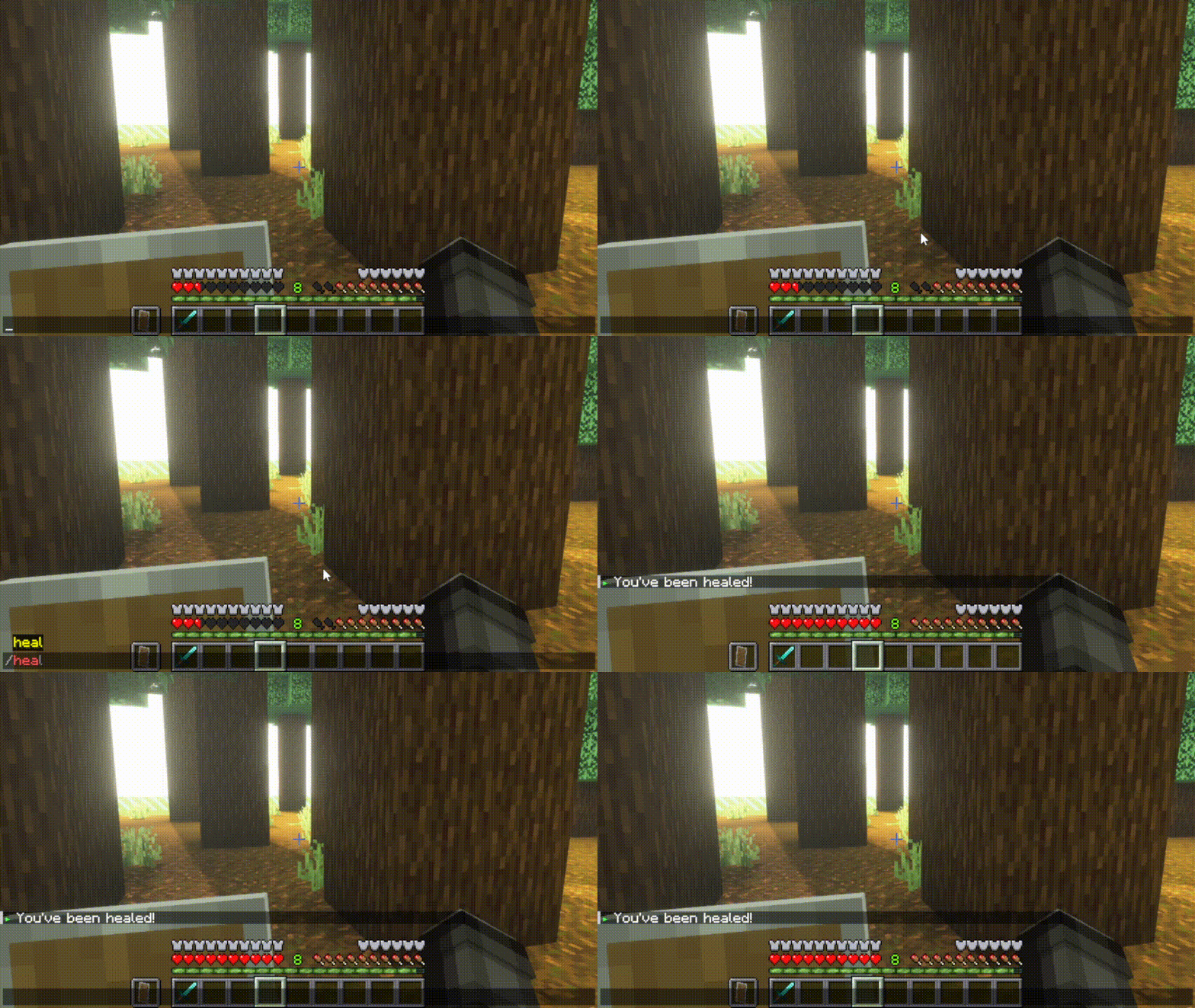
❤️ Healing
The /heal command allows you to instantly heal yourself, remove any negative effects, and replenishes your hunger bar, as in EssentialsX.